

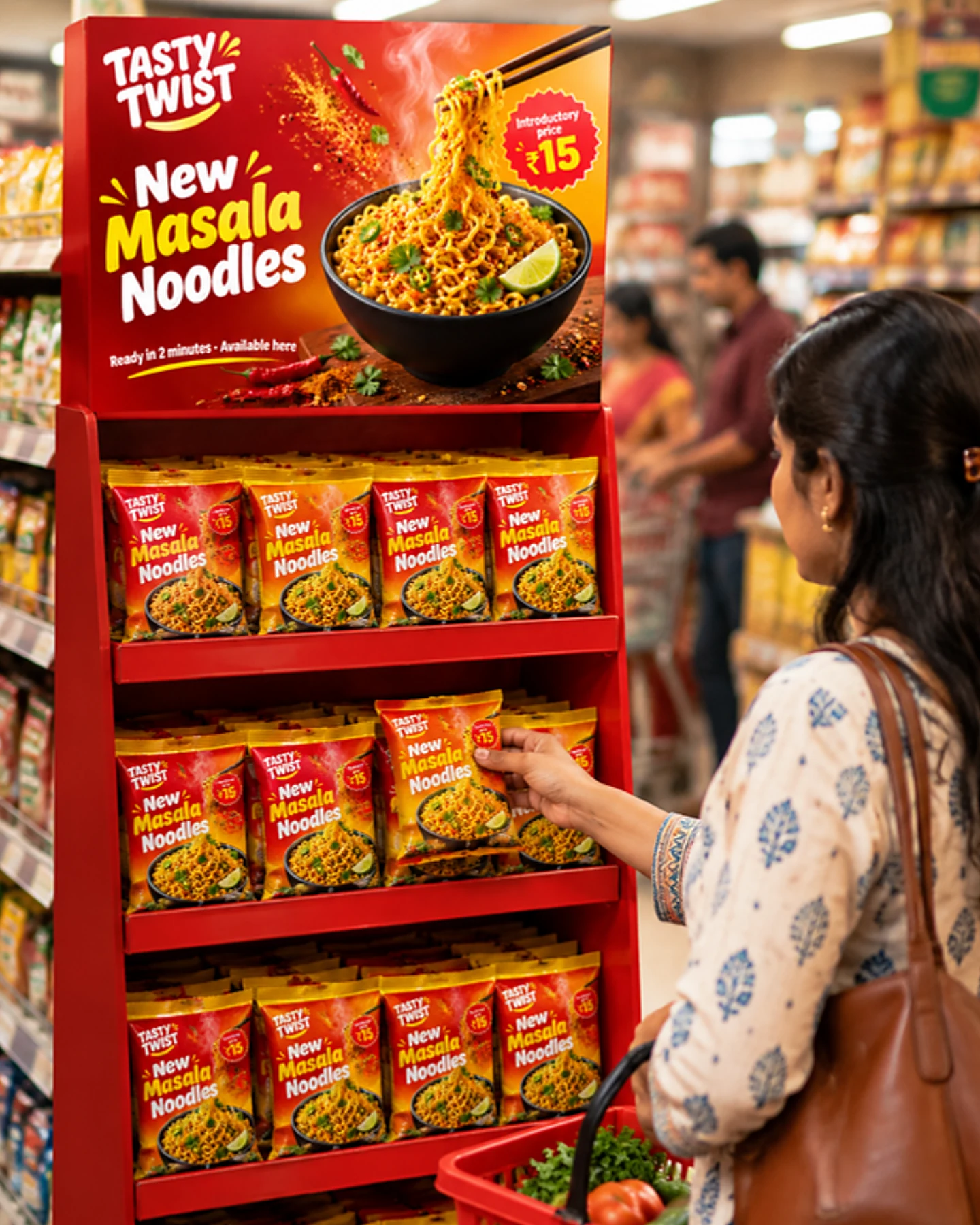
Earn from space you already have
A counter, a wall, a shelf or your shopfront. Host brand advertising there and earn every month.
For outlet partners
Put the counter, wall or shopfront you already have to work. We set up your outlet on UDOOH, agree with you where the advertising goes, and pay you directly to your bank account.
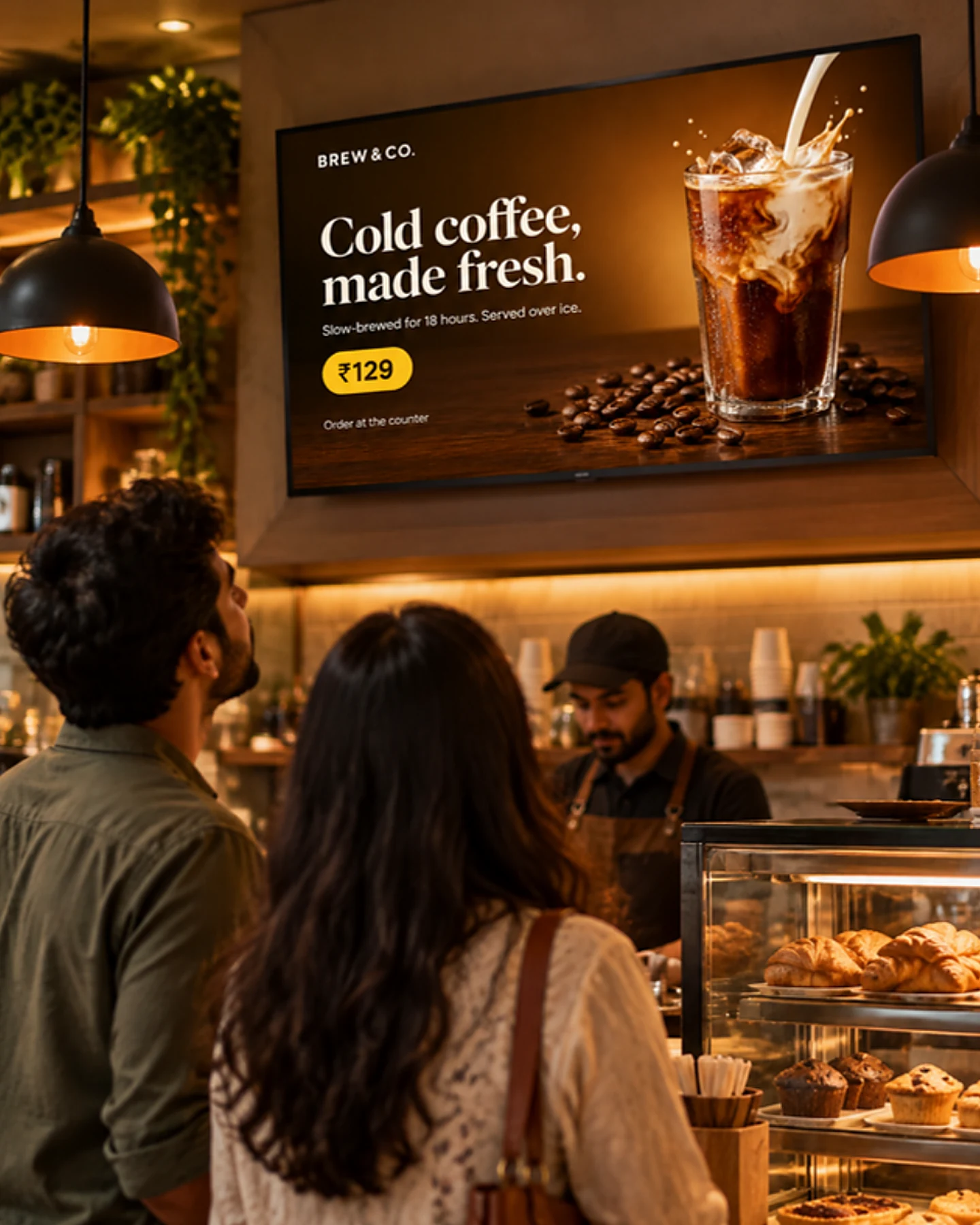
Keep these handy for a smooth sign-up.
Nothing is fixed until you accept the agreement.
Why UDOOH
A counter, a wall, a shelf or your shopfront. Host brand advertising there and earn every month.
Earnings go by direct bank transfer, with a monthly statement by email. No joining fee and no deduction on payout.
Tick only the spaces and formats you're open to. We confirm the format with you before anything is installed.
Outlets that can show billing records and camera coverage earn more for the same space.
Plans
Two quick questions during sign-up place you on a plan. You don't need to pick one now.
For outlets with a counter, wall, floor or shelf space that could host advertising.
For outlets that keep day-to-day billing records and have working CCTV inside.
Outlets we work with
Questions
No. There is no joining fee and no deduction on payout.
Earnings go by direct bank transfer to the account you add during sign-up. We email you a monthly statement.
Not until you accept the agreement. The last step of sign-up shows the full UDOOH Outlet Partner Agreement, and it becomes binding when you accept it there with a one-time password sent to your mobile. Each placement is still agreed with you before anything is installed.
You tick the spaces and formats you're open to. We confirm the format with you before anything is installed.
Outlets that can show billing records and camera coverage go on UDOOH Ready Plus and earn more for the same space. Billing software, a POS, or a daily sales register all count as billing records.
Only the lit and powered formats need one, like an LED poster or an LED screen. Printed standees and product showcases don't.
The owner, a partner or a director of the business, since they can sign for the outlet.
Yes. Upload any one document that proves your business, like a Shops and Establishment (Gumasta) licence, an FSSAI or drug licence, a Udyam certificate or a municipal trade licence. If you have none of these, your PAN, a rent agreement or property document, and a recent bank statement or cancelled cheque together work. Our team verifies it before your outlet goes live.
Someone who can legally bind the business: the owner of a sole proprietorship, a partner of a partnership firm or LLP, or a director of a company. Only an owner, a partner or a director can sign.
We send a one-time password to your mobile number on WhatsApp. Use a number that has WhatsApp and that you can receive messages on.
Registration takes about five minutes and saves as you go.
Agreement accepted
About five minutes. Once our team has checked it, it starts getting campaigns.
Outlet sent for review
We'll message you on WhatsApp when it's live, usually within two working days.
Its opening hours, the two answers that decide its plan, the formats it could run and a photo of each. Fill it in now or later: it stays as it is with our team.
A website for this outlet, built on udoofy. You can also decide later from your account.
Your account
This company is no longer active on UDOOH. You can still see its details, but nothing can be changed or added. Ask from Get help.
You can add more outlets once our team has verified your business documents and your first outlet is live. This keeps anyone from adding outlets in your business's name.
Name the people who run your brand and your outlets. A brand manager runs the brand and its outlets; a store manager runs one outlet. They log in with their own WhatsApp number and never see your bank, PAN, GST or agreement.
People who typed your company's PAN and your email or number. Approve only someone you know: they get the role you choose.
Each brand has its own name, kind of business, logo and website look. Its outlets share them.
Use the mobile number you'll sign the agreement with. We'll send a one-time password to it on WhatsApp.
Use a number you can receive WhatsApp messages on.
Sent on WhatsApp to
On a computer? Scan with your phone's camera to send the message from your phone.
A ready-made message to UDOOH at +91 99994 81919. Just press send; we reply with your code in a few seconds.
We email a 6-digit code to this address. Once it is verified, you can get your login and signing codes by email instead of WhatsApp.
The code goes only to this address and works for a few minutes. Never share it.
One more step after your first login. We email you a 6-digit code to check the address. After this you can get your codes on WhatsApp or by email.
Not you?
You're signed in as .
On a computer? Scan with your phone's camera to send it from your phone.
A chat with them opens with the invite typed in. Just press send.
Have these handy and registration takes about five minutes.
Income calculator
A few quick answers about your outlet. Nothing is saved until you register.
Your outlet details are saved. Enter your mobile number; you then send us one WhatsApp message and get a code back. No app, no password.
Use a number that has WhatsApp. The code goes to whichever number sends the message.
Send us the ready-made message from your WhatsApp. We reply with a 6-digit code in a few seconds.
On a computer? Scan with your phone's camera to send the message from your phone.
A ready-made message to UDOOH at +91 99994 81919. Just press send; we reply with your code in a few seconds.
Income calculator
Potential income up to
₹0 a year
about ₹0 a month
Your estimate is just the start. We’ll tailor it to your outlet’s location, footfall and ambience.
Our team will show you exactly how.
Your number has a role in more than one account. Choose the one to open. You can switch at any time from the account menu.
They log in with their own WhatsApp number. You send them the invite from your WhatsApp.
Type the email or WhatsApp number of the company's account holder or authorised signatory. If it matches, we send them your request with your name and number.
If they approve, the company shows under Choose an account when you log in. The request stays open for 3 days.
It changes as soon as you save. The authorised signatory gets a WhatsApp and an email about it, and so does the UDOOH team.
The authorised signatory signs with a code we send to them. Check their details first.
Every GSTIN of your business carries its PAN. It is added as soon as you save.
Choose their role, then approve. They get it once they log in with their own WhatsApp number.
Your business goes back to its steps so you can change anything you entered. When you send it again, the authorised signatory signs the agreement again with a code.
Your outlets stay as they are. Our team checks them once you send your business again.
Your changes apply as soon as you save. If you change the legal name or PAN, our team checks your documents again. Nothing is held up meanwhile.
Your outlet stays live. If you change its name, trade name or address, our team takes a quick look.
Answers to common questions. Your progress saves on this device, so you can leave and come back.